

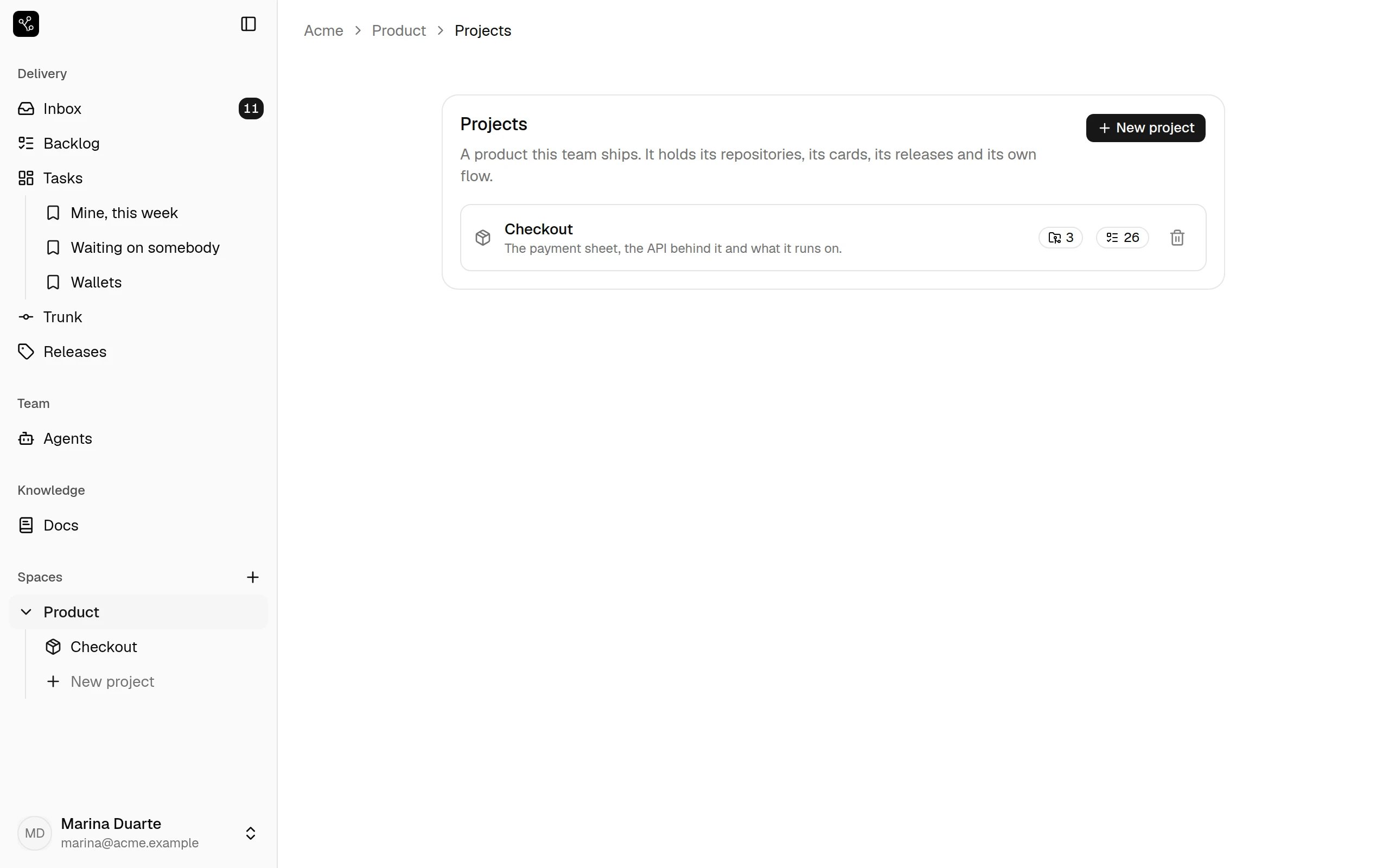
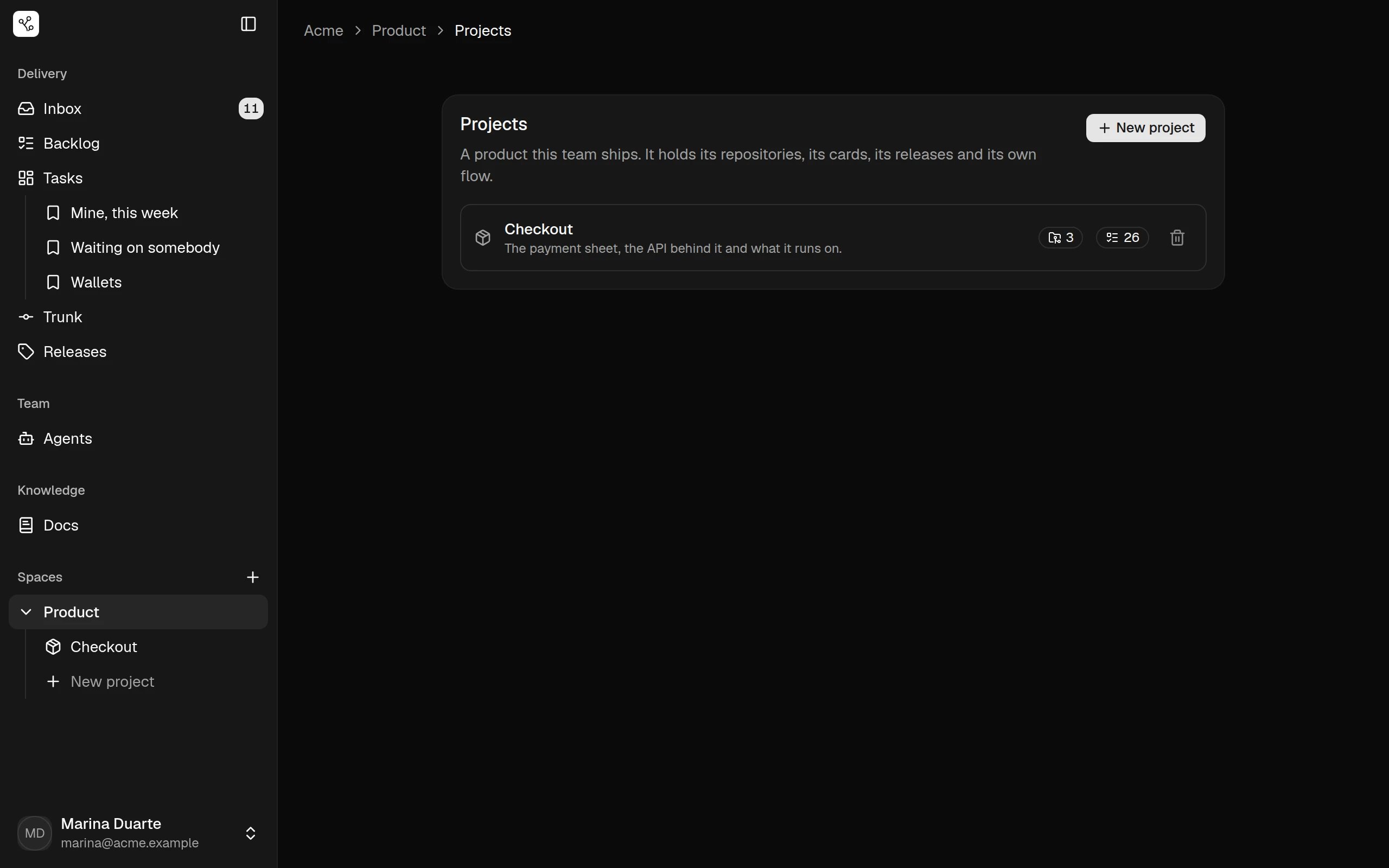
Two projects in one workspace move differently on purpose. A mobile app that
ships through a store review and an API that deploys on merge do not want
the same stages, and neither is made to pretend otherwise.
Inside a project
How it moves
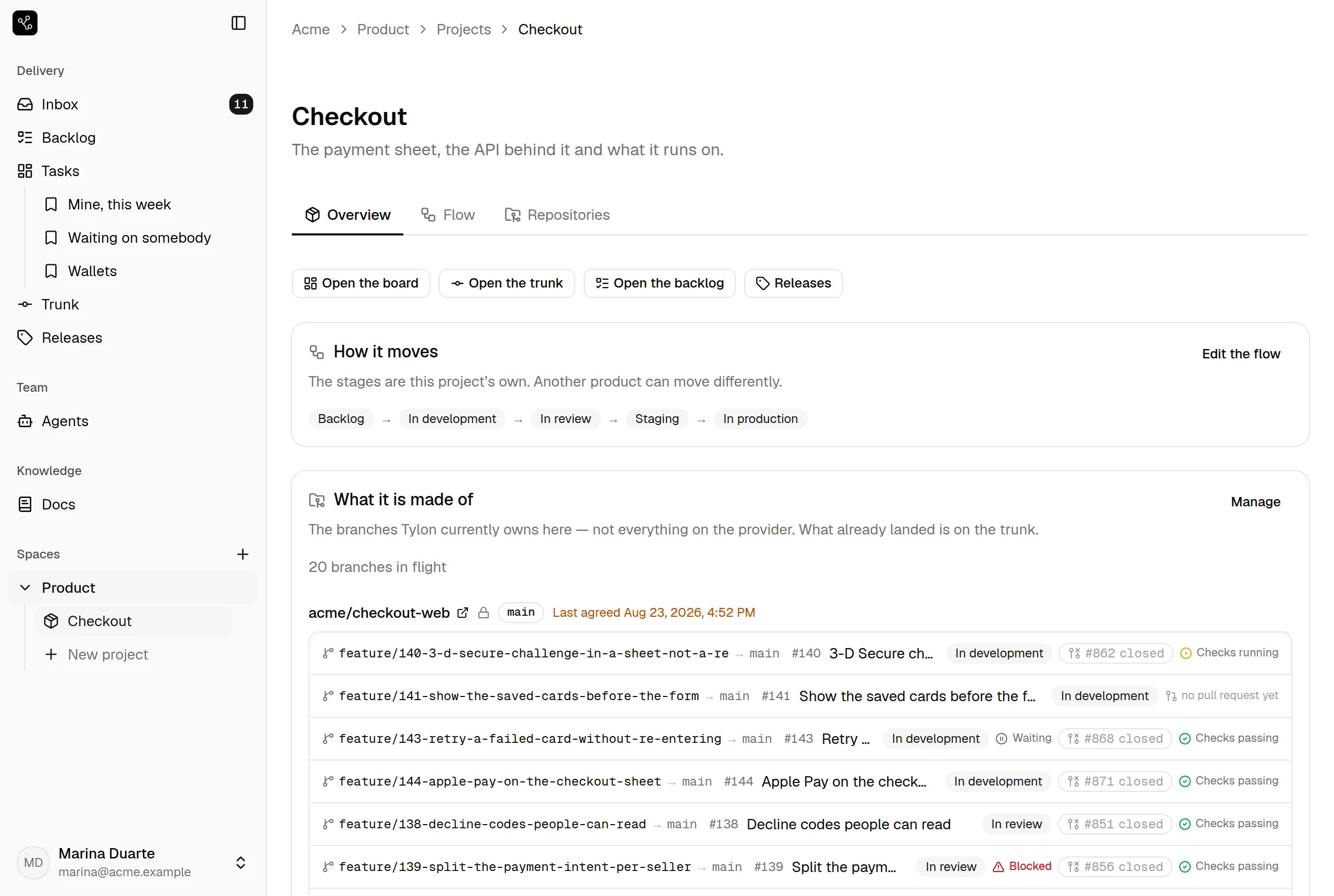
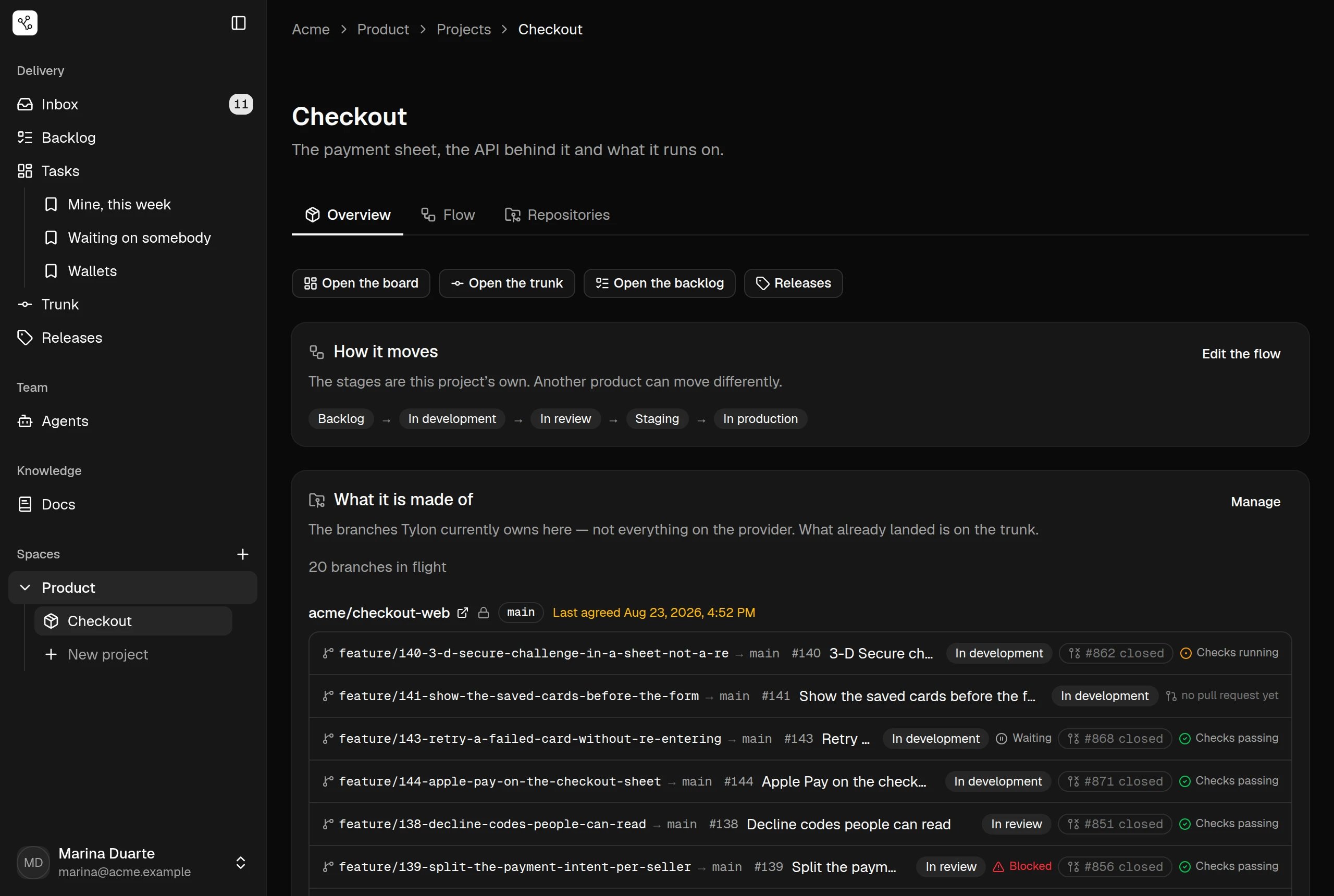
The stages, in order, as a sentence:Backlog → In development → In review → Staging → In production. Edit the flow opens the flow
screen, where each of those stages gets its branch rule.
What it is made of
The branches Tylon currently owns here — not everything on the provider. That distinction is the point of the panel:20 branches in flight is work
this board is responsible for, and what already landed has left this list for
the trunk.
Each repository names its default branch and when Tylon last agreed with the
provider about it. Under it, one line per branch:
Blocked and Waiting sit on the same
line, so the reason a branch is not moving is on the row rather than one click
away.
A branch pushed with a name the convention does not recognise is not lost —
it arrives in the inbox to be adopted onto a card.